
Get Your Free SmartRestra Demo Today
In today's rapidly evolving restaurant landscape, staying competitive requires more than just great food and service—it demands smart technology that streamlines operations, enhances customer experiences, and drives profitability. The right restaurant management platform can transform how you run your business, from optimizing your menu and managing inventory to personalizing customer interactions and boosting your bottom line. However, with numerous solutions available, finding the perfect fit for your unique needs can be challenging without experiencing it firsthand.
That's where a personalized demo becomes invaluable. A hands-on demonstration allows you to see exactly how a comprehensive platform like SmartRestra can address your specific pain points, integrate with your existing systems, and deliver measurable results. Whether you're looking to implement a smart POS for small eateries, enhance your online ordering system, or leverage data analytics to make smarter decisions, a demo provides the clarity and confidence needed to make informed technology investments that will propel your business forward.
Why a Personalized Demo Matters
Generic product tours and feature lists can't capture how a platform will perform in your specific environment. A tailored demo addresses your unique business context.
1. See Your Workflow in Action
A personalized demonstration shows how the platform handles your actual operational scenarios.
- Real-Time Menu Management: See how you can update your digital menu across all channels instantly
- Inventory Integration: Watch how sales automatically update inventory levels in real-time
- Multi-Location Control: Experience managing multiple outlets from a single dashboard
- Staff Management: Observe how scheduling and permissions work for your team structure
2. Answer Your Specific Questions
Get immediate answers to how the platform handles your unique requirements.
- Integration Capabilities: See how it connects with your current POS software and other tools
- Customization Options: Understand what can be tailored to your specific concept
- Reporting Needs: View the exact reports and analytics that matter most to your business
- Support and Training: Learn about onboarding processes and ongoing support options
Key Features to Experience in Your Demo
During your demonstration, focus on these critical capabilities that drive restaurant success.
1. All-in-One Platform Management
See how a unified system simplifies complex operations.
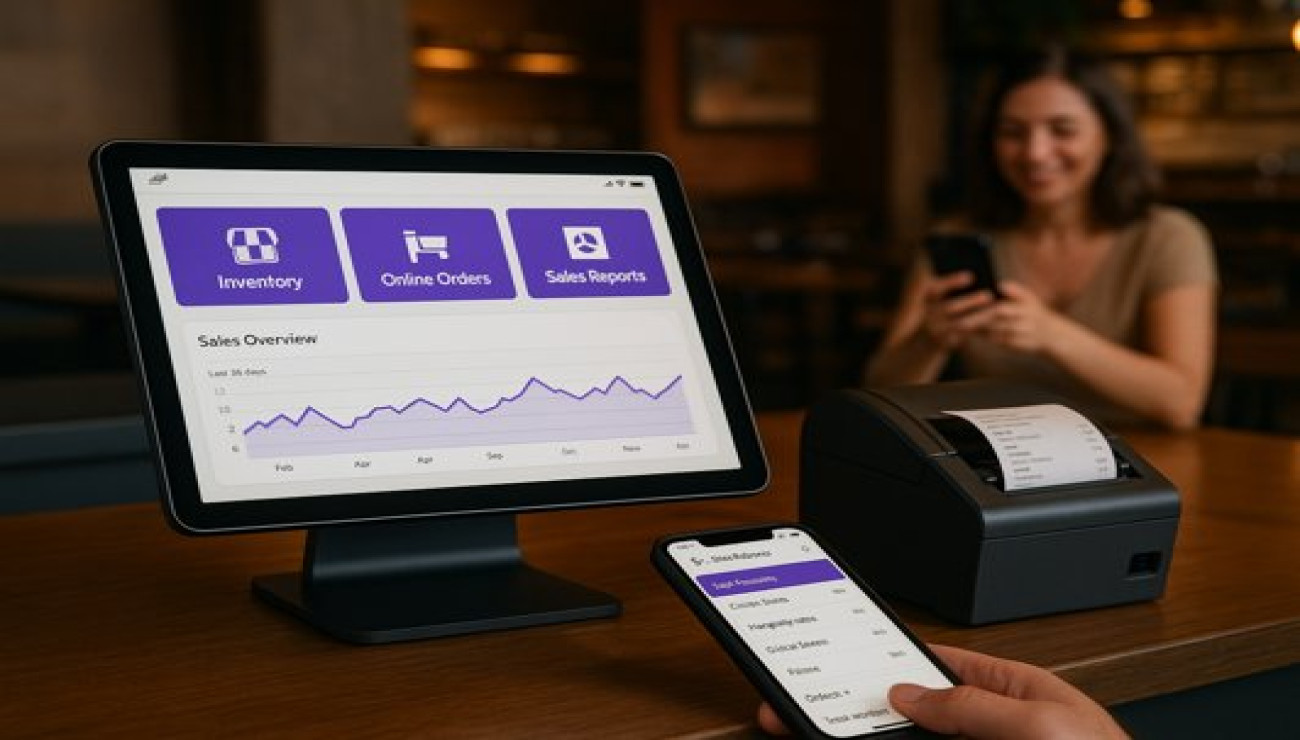
- Unified Dashboard: Single view of sales, inventory, and customer data across all locations
- Integrated Modules: How POS, inventory, CRM, and reporting work together seamlessly
- Mobile Management: Experience controlling operations from any device
- Real-Time Updates: Watch how changes propagate instantly across all channels
2. Customer Experience Enhancement
Discover tools that create memorable guest experiences while driving loyalty.
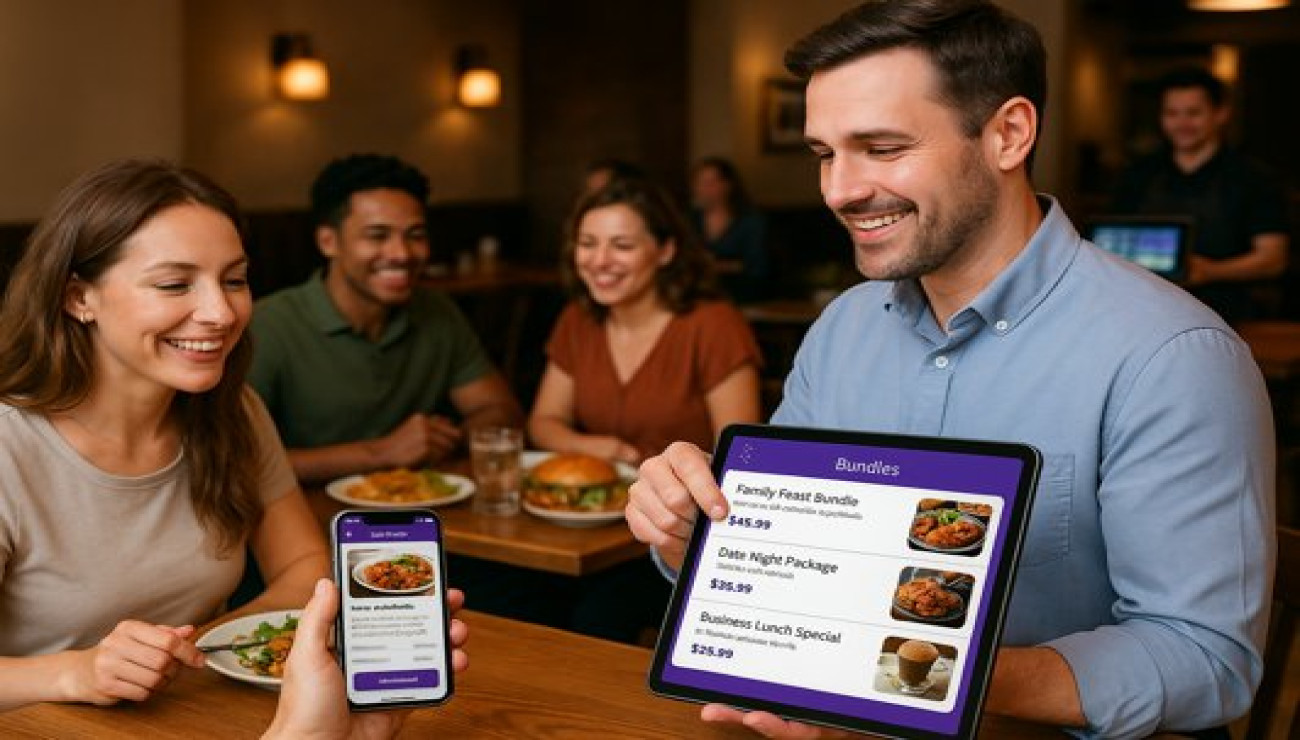
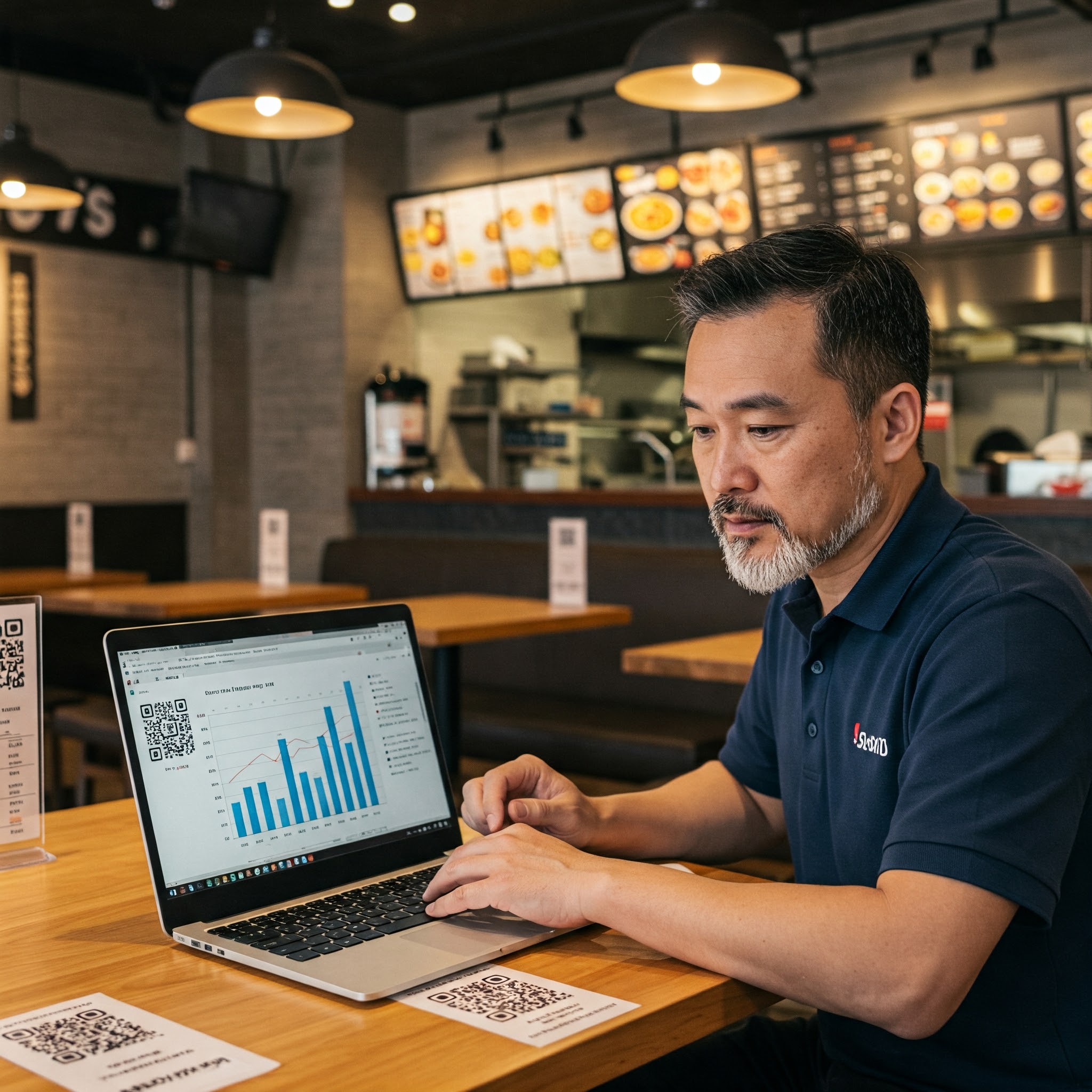
- QR Code Menu System: Experience your contactless menu solution from the customer perspective
- Personalization Features: See how customer preferences and history enhance service
- Loyalty Program Management: Understand how to create and manage effective rewards programs
- Feedback Integration: Watch how customer input flows directly into operations
3. Data-Driven Decision Making
Experience the analytics that transform raw data into actionable insights.
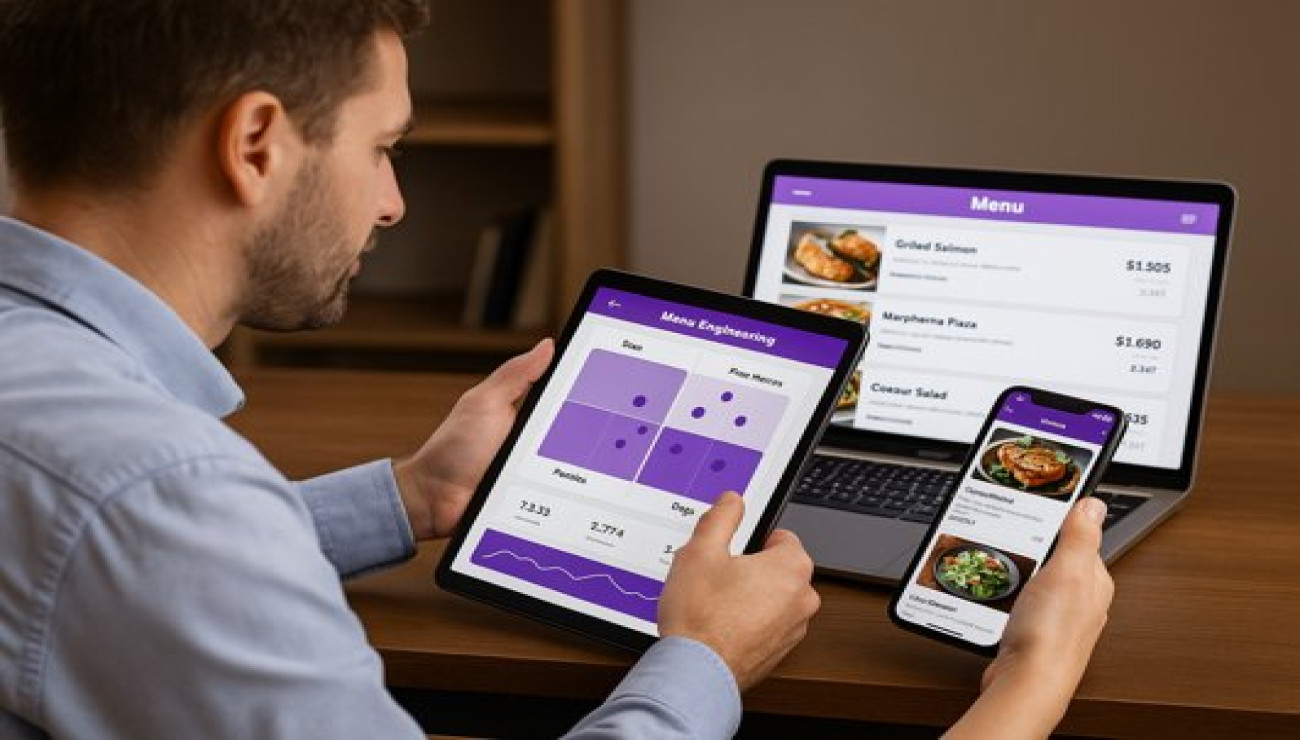
- Menu Engineering Tools: See how to identify your most profitable items
- Inventory Optimization: Watch predictive ordering in action
- Customer Analytics: Experience understanding guest behavior patterns
- Performance Tracking: View real-time KPIs and performance metrics
What to Prepare for Your Demo
Maximize your demonstration experience with these preparation steps.
1. Identify Your Key Challenges
Come ready to discuss your specific pain points and goals.
- Current Pain Points: What operational challenges are you facing?
- Growth Objectives: Where do you want to be in 6-12 months?
- Technology Stack: What systems are you currently using?
- Budget Considerations: What investment range are you considering?
2. Bring Your Team
Include stakeholders who will use the system daily.
- Operations Manager: For workflow and efficiency questions
- Finance Lead: For reporting and ROI considerations
- IT/Technology Lead: For integration and technical requirements
- Frontline Staff: For usability and practical implementation insights
During the Demo: Key Evaluation Criteria
Assess these critical factors during your demonstration.
1. Ease of Use and Implementation
Evaluate how easily your team can adopt the platform.
- Intuitive Interface: Is the system easy to navigate without extensive training?
- Implementation Timeline: How long until you're fully operational?
- Training Requirements: What support is available for your team?
- Mobile Functionality: How well does it work on tablets and smartphones?
2. Integration and Scalability
Consider both current and future needs.
- Current System Integration: How well does it connect with your existing tools?
- Scalability: Can it grow with your business?
- Feature Roadmap: What future developments are planned?
- Customization Options: How adaptable is it to your unique requirements?
Next Steps After Your Demo
Maximize the value of your demonstration experience with these follow-up actions.
1. Internal Debrief and Assessment
Gather your team to discuss impressions and concerns.
- Pros and Cons: List what you liked and what concerned you
- ROI Calculation: Estimate potential time and cost savings
- Implementation Planning: Consider timing and resource requirements
- Comparison: Stack against other solutions you're considering
2. Request Follow-Up Information
Gather additional details to inform your decision.
- Customer References: Speak with similar restaurants using the platform
- Detailed Pricing: Get specific costs for your configuration
- Implementation Plan: Request a detailed rollout timeline
- Trial Options: Inquire about pilot or trial programs
Demo Preparation Checklist
- Identify Key Decision Makers: Ensure all stakeholders can attend
- Prepare Your Questions: List your most important concerns and requirements
- Gather Current Metrics: Have your current performance data ready
- Review Your Workflow: Understand your current processes thoroughly
- Set Objectives: Define what you want to accomplish with the demo
- Test Your Technology: Ensure your demo setup works properly
- Schedule Adequate Time: Allow enough time for thorough discussion
- Assign Note-Taker: Designate someone to document key points
Conclusion: See the Future of Your Restaurant
A personalized SmartRestra demo isn't just a product tour—it's a vision of how your restaurant could operate with streamlined processes, happier customers, and improved profitability. It's an opportunity to ask specific questions, address unique challenges, and see exactly how technology can transform your business. In an industry where margins are tight and competition is fierce, having the right tools isn't just an advantage—it's a necessity for sustainable growth.
Ready to transform your restaurant operations? Experience how SmartRestra can work for your business with a personalized demo today.
Comments (0)