

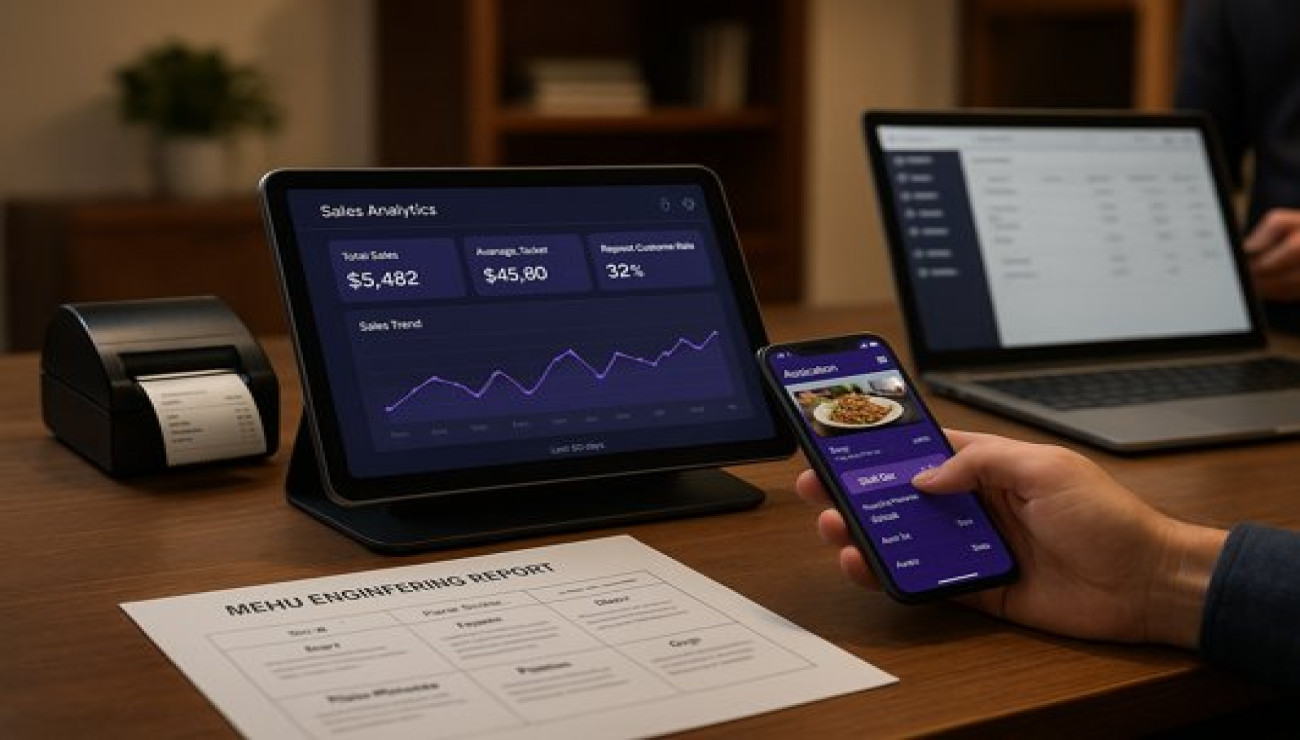
Sales Analytics for Smart Restaurants
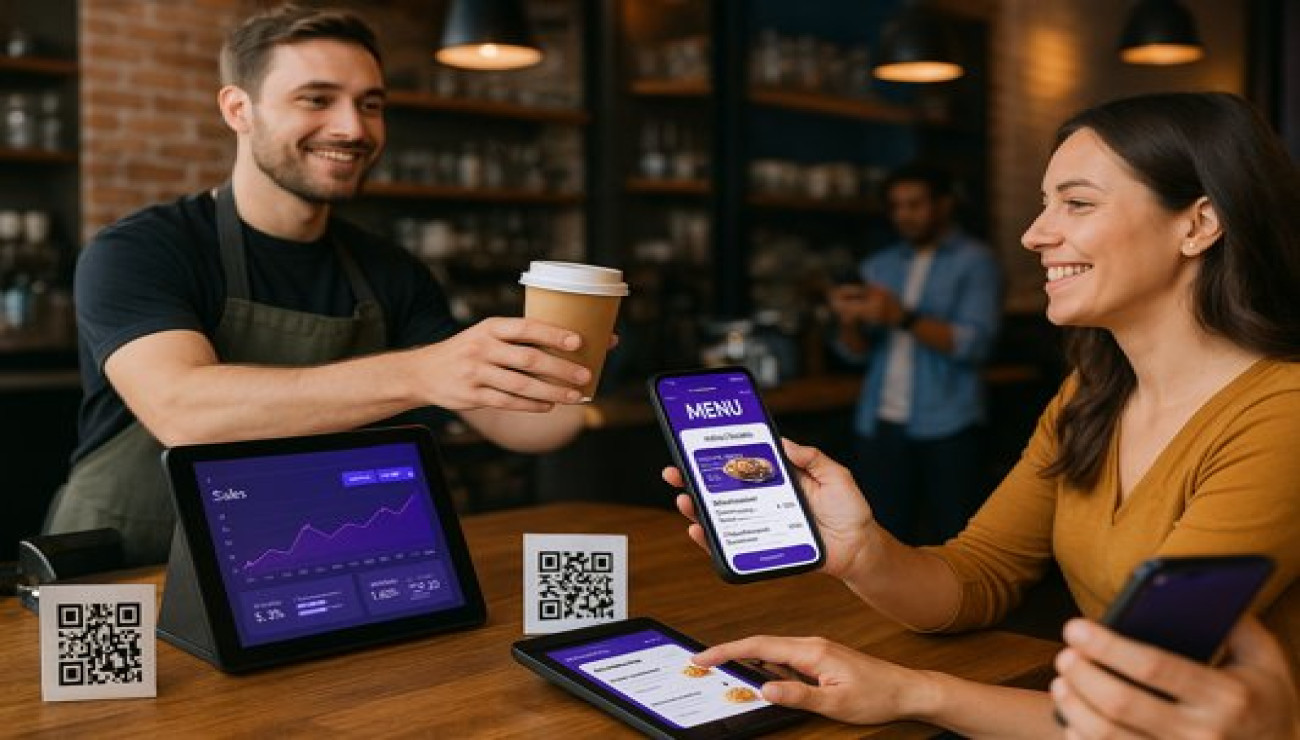
In the competitive restaurant industry, intuition alone is no longer enough to drive profitability. The difference between thriving and merely surviving increasingly comes down to data. Sales analytics for restaurants transforms raw numbers from your POS software for restaurants into actionable intelligence, providing a clear roadmap for strategic decision-making. It's the critical component that separates modern, smart POS for small eateries from basic transaction processors.
Beyond simply tracking daily revenue, advanced analytics delve into the *why* behind the numbers. They reveal which menu items are your true profit drivers, which promotions actually work, and how customer behavior changes with the time of day or season. For restaurant owners committed to grow restaurant business online and offline, leveraging data is not an option—it's a fundamental requirement for sustainable growth and operational excellence.
Key Metrics Every Restaurant Must Track
Data overload is a real risk. The key is to focus on the metrics that directly impact your bottom line and customer experience. These KPIs should be monitored daily, weekly, and monthly.
1. Sales and Revenue Performance
This is the foundation of your analytics, but it needs to be broken down to be useful.
- Average Ticket Value (ATV): The average amount spent per order. Tracking this helps you measure the success of upselling strategies and combo deals.
- Sales per Seat/Square Foot: Measures the efficiency of your space utilization and overall profitability.
- Revenue by Channel: Breaks down sales from dine-in, your own online ordering for restaurants website, and third-party aggregators. This reveals your most profitable channels and your true CPA for each.
- Item-Level Profitability: Goes beyond popularity to show which dishes contribute most to your gross profit after accounting for food cost.
2. Operational Efficiency Metrics
These metrics directly impact customer satisfaction and labor costs.
- Table Turnover Time: The average time a table is occupied. Optimizing this is crucial for maximizing revenue during peak hours.
- Order Accuracy: The percentage of orders fulfilled correctly. A low rate indicates issues in the kitchen or with the food ordering system that need immediate attention.
- Labor Cost Percentage: Total labor cost as a percentage of total sales. Keeping this within a target range (often 20-30%) is vital for profitability.
3. Customer Behavior and Loyalty
Understanding your customers is key to increasing their lifetime value.
- Repeat Purchase Rate: The percentage of customers who return within a specific period. This is a direct measure of customer loyalty and satisfaction.
- New vs. Returning Customers: Tracks the health of your customer base and the effectiveness of marketing efforts to attract new patrons.
- Top Customer Identification: Your restaurant billing software should help identify your most valuable customers for personalized rewards.
Turning Data into Action: Analytical Strategies
Collecting data is pointless without action. Here’s how to use analytics to make smart business decisions.
1. Menu Engineering and Optimization
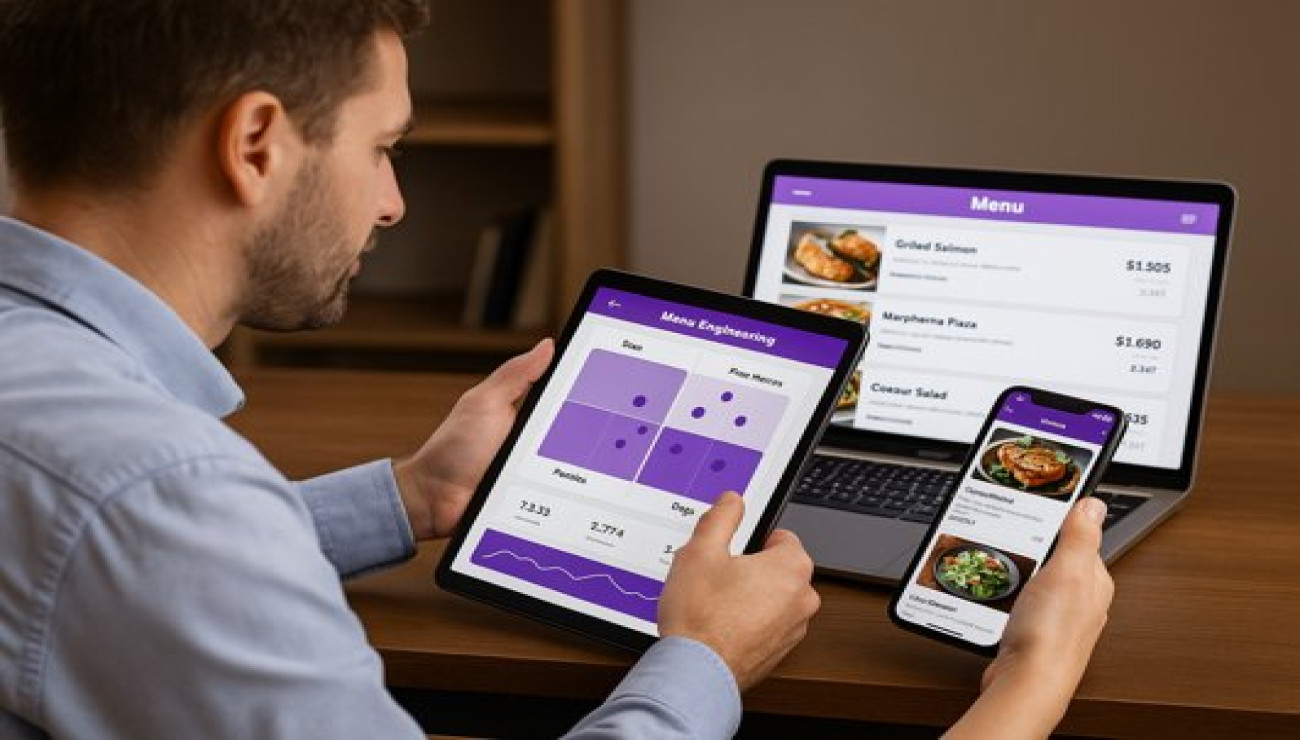
Use your POS software for restaurants to run a product mix report. Categorize every menu item based on its profitability and popularity.
- Stars: High profit, high popularity. Promote these heavily.
- Plow Horses: Low profit, high popularity. Consider raising the price, reducing portion size, or re-engineering the recipe to improve margins.
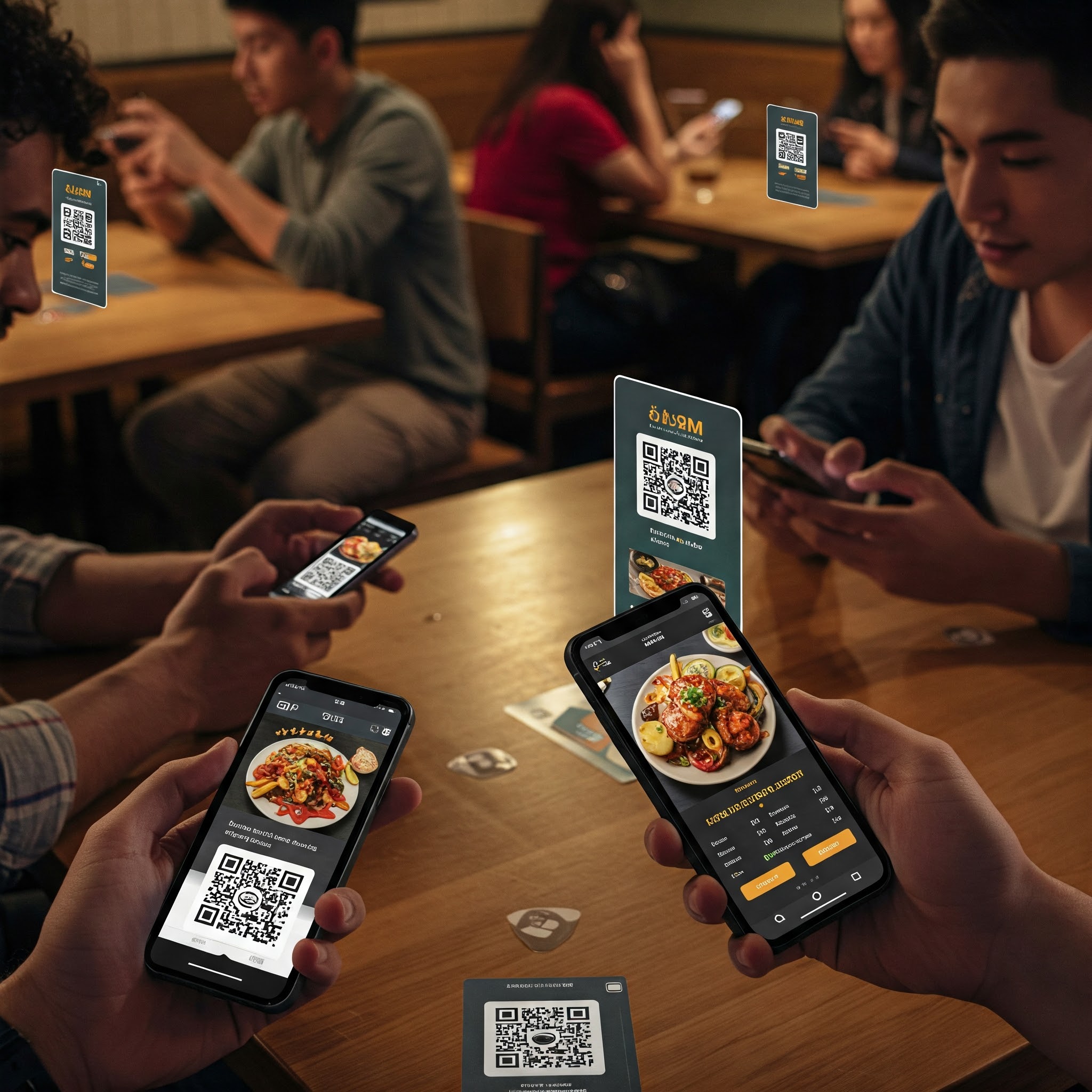
- Puzzles: High profit, low popularity. Market these items more aggressively through server recommendations and strategic placement on your QR code food menu.
- Dogs: Low profit, low popularity. Candidates for removal from the menu.
2. Strategic Pricing and Promotion
Analytics take the guesswork out of pricing. Test a price increase on a "Plow Horse" item and measure the impact on sales volume and overall profit. Use data to determine the optimal timing and discount level for happy hour promotions, ensuring they actually increase traffic and average ticket value instead of cannibalizing full-price sales.
3. Labor Scheduling and Inventory Management
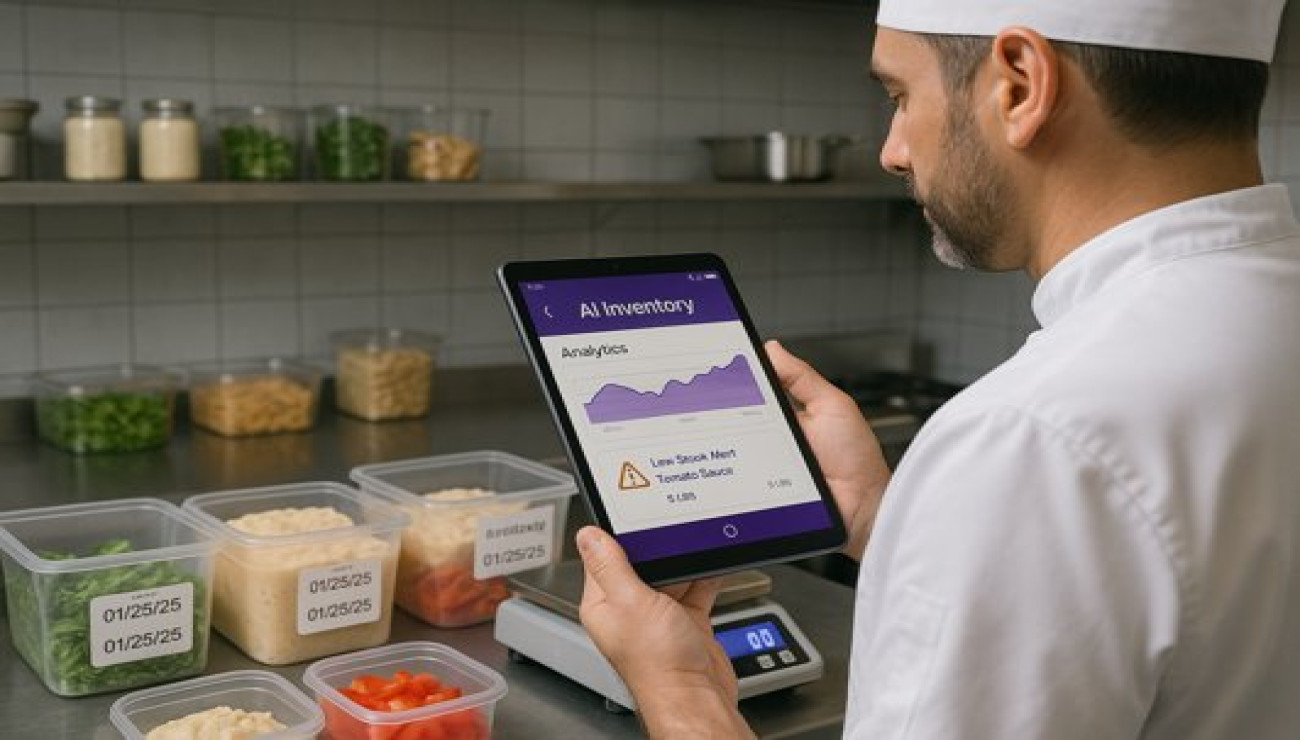
Forecast future sales based on historical data, day of the week, and local events. Schedule staff precisely to match projected demand, optimizing your labor cost. Similarly, use sales forecasts to inform inventory orders, reducing waste and ensuring you never run out of key ingredients during a rush. This is where restaurant automation tools integrated with your POS become invaluable.
A Case Study in Data-Driven Decision Making
A popular pizza outlet noticed steady revenue but stagnating profits. Their analytics dashboard, part of their restaurant SaaS India platform, revealed a critical insight: while their classic margherita pizza was the bestseller, its food cost had crept up to 38%, making it only marginally profitable. Their premium truffle pizza, however, had a food cost of 24% and was highly profitable but rarely ordered.
They took two data-driven actions: First, they slightly re-engineered the margherita recipe to bring the cost down without compromising quality. Second, they launched a targeted promotion for the truffle pizza, featuring it prominently on their digital menu and training staff to recommend it. Within six weeks, the overall food cost percentage dropped by 3 points, and the sales mix of the high-margin truffle pizza increased by 15%, significantly boosting net profitability without alienating their core customer base.
Sales Analytics Implementation Checklist
- Audit Your POS Capabilities: Ensure your current POS software provides detailed sales reports and product mix analysis.
- Define Key KPIs: Identify 5-7 core metrics to track consistently (e.g., ATV, Food Cost %, Repeat Rate).
- Establish a Reporting Routine: Schedule weekly reviews of performance data with your management team.
- Integrate Your Channels: Ensure your online ordering system feeds data into your central analytics dashboard.
- Conduct a Menu Engineering Analysis: Categorize every menu item and develop an action plan for each quadrant.
- Train Staff on Insights: Share relevant data with servers (e.g., items to recommend) to align the team with goals.
- Set Benchmarks and Goals: Based on historical data, set realistic targets for improving key metrics each quarter.
- Invest in Advanced Tools: Consider specialized restaurant automation tools for deeper analytics if your POS is limited.
Choosing the Right Tools for Analytics
The foundation of good analytics is a modern smart POS for small eateries that captures granular data. Look for systems that offer:
- Comprehensive built-in reporting and dashboarding
- Easy export of data to CSV or Excel for custom analysis
- Integration with third-party analytics and business intelligence platforms
- Inventory management features to track food cost in real-time
- Customer relationship management (CRM) features to track guest history
Conclusion: From Reactive to Proactive Management
Embracing sales analytics moves restaurant management from a reactive state—wondering why yesterday was slow—to a proactive one—predicting and influencing tomorrow's results. By making data-driven decisions on everything from menu design to staffing, you can optimize every aspect of your operation, reduce costs, enhance the customer experience, and dramatically improve profitability. In the modern food service landscape, data is not just numbers; it's your most strategic asset.
Stop guessing and start measuring. Transform your sales data into your most powerful profit-making tool today.

Comments (0)